Automatic Session Recording (Trainer's Desktop)
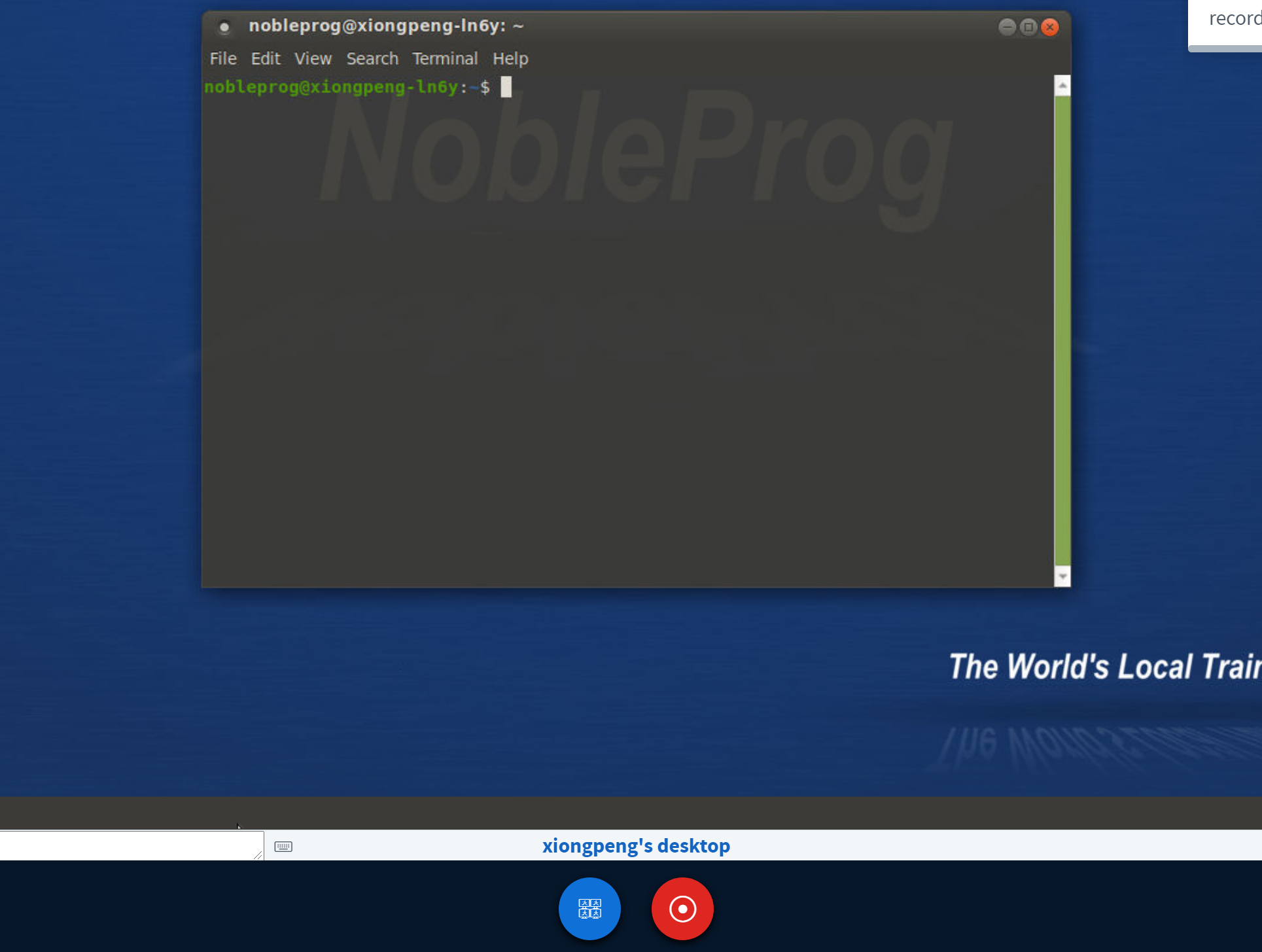
The Trainer's Desktop automatically starts capturing your session as soon as you walk into the training room.
To stop recording, just hit the "red-recording" button once more.
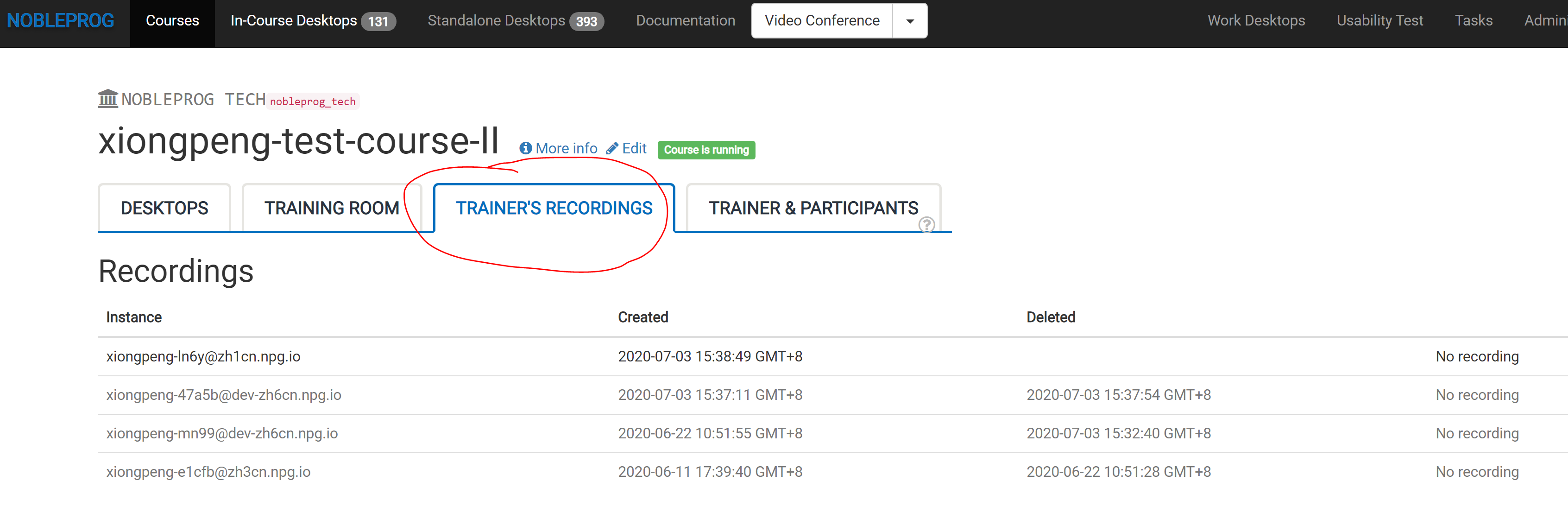
You can access all your recordings by going to "Trainer's Recordings" inside your course.