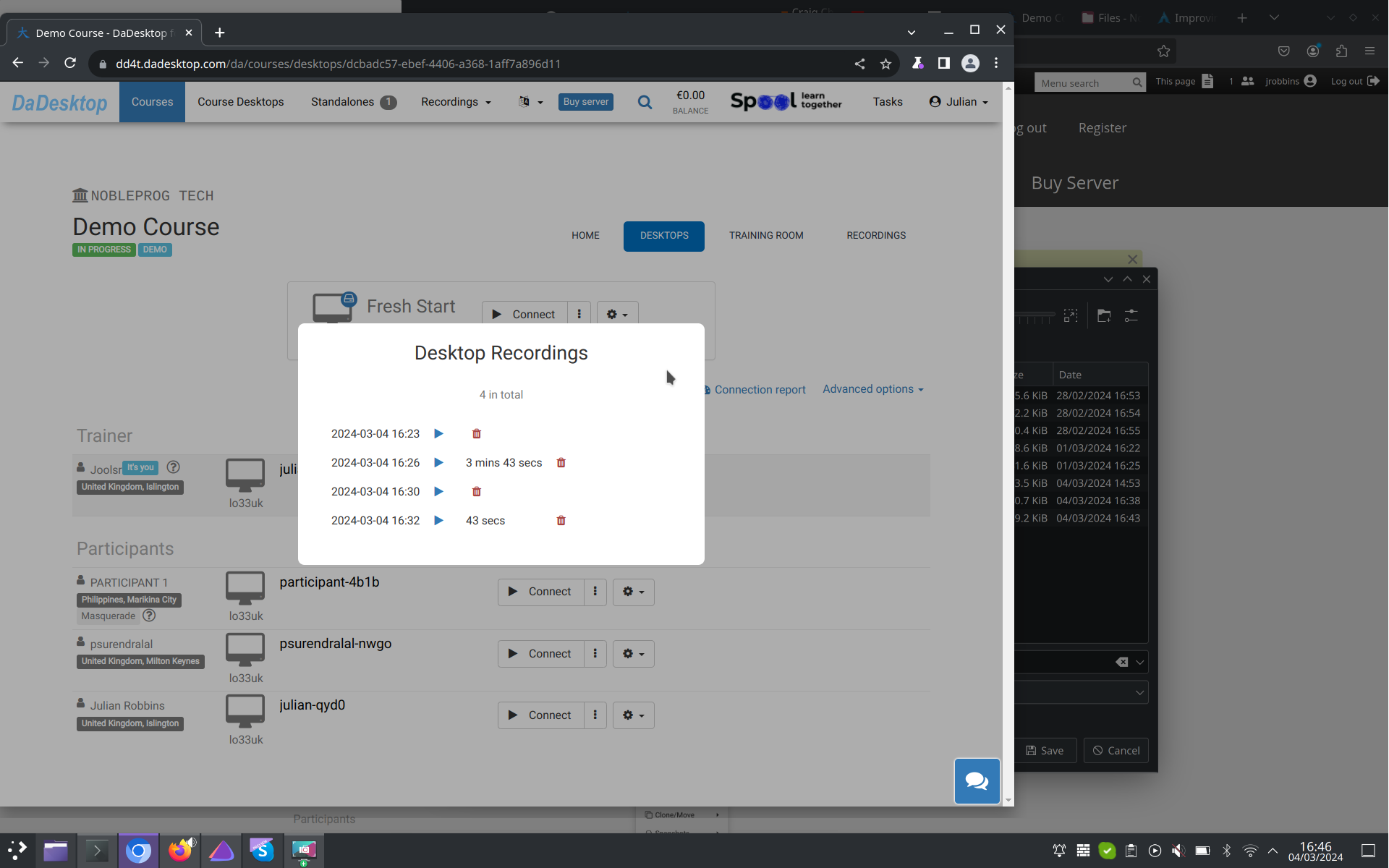
Automatic Session Capture
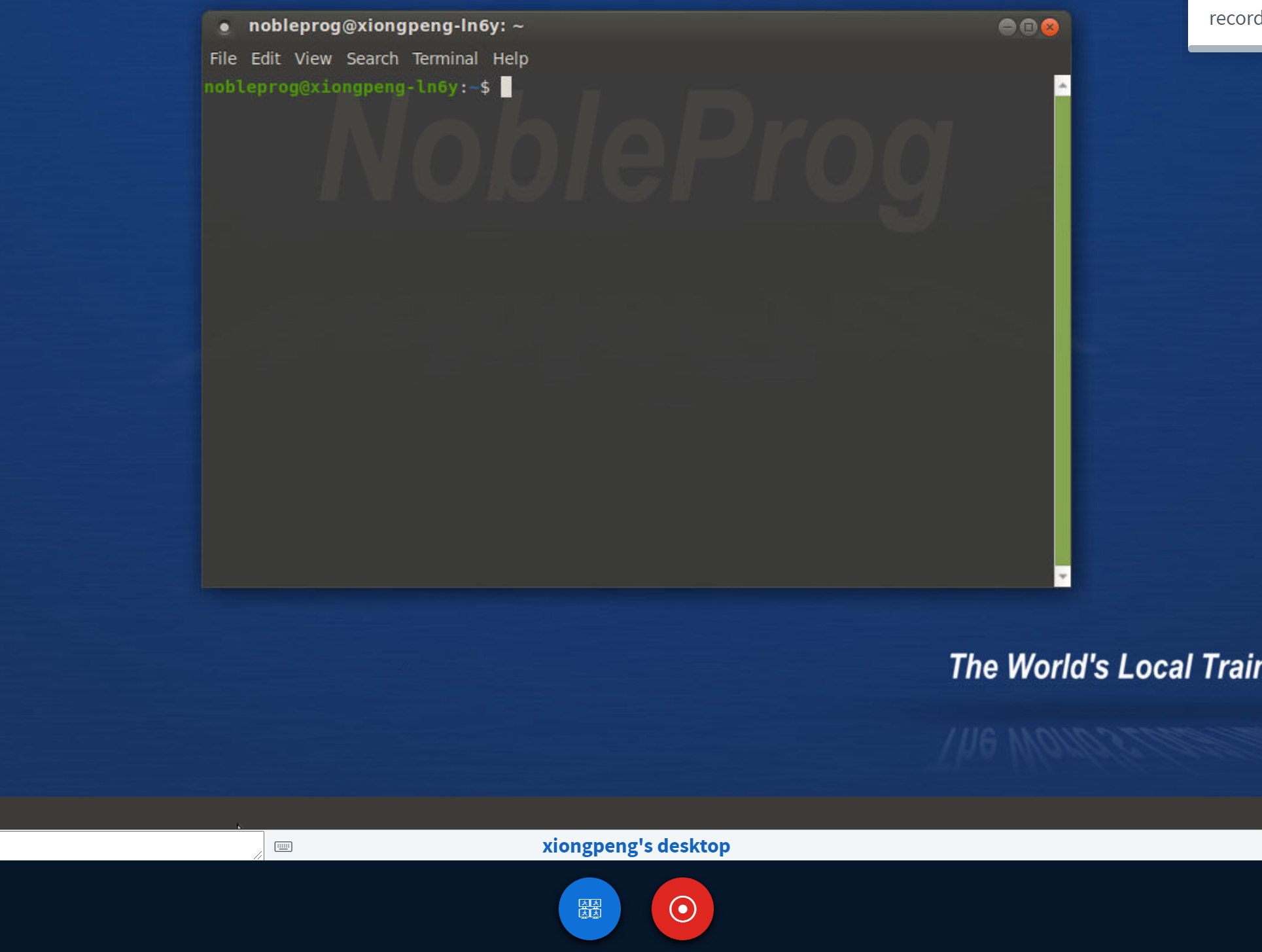
When you step into the training room, the Trainer's Desktop begins recording automatically.
To end the session, simply press the "red-recording" button once more.
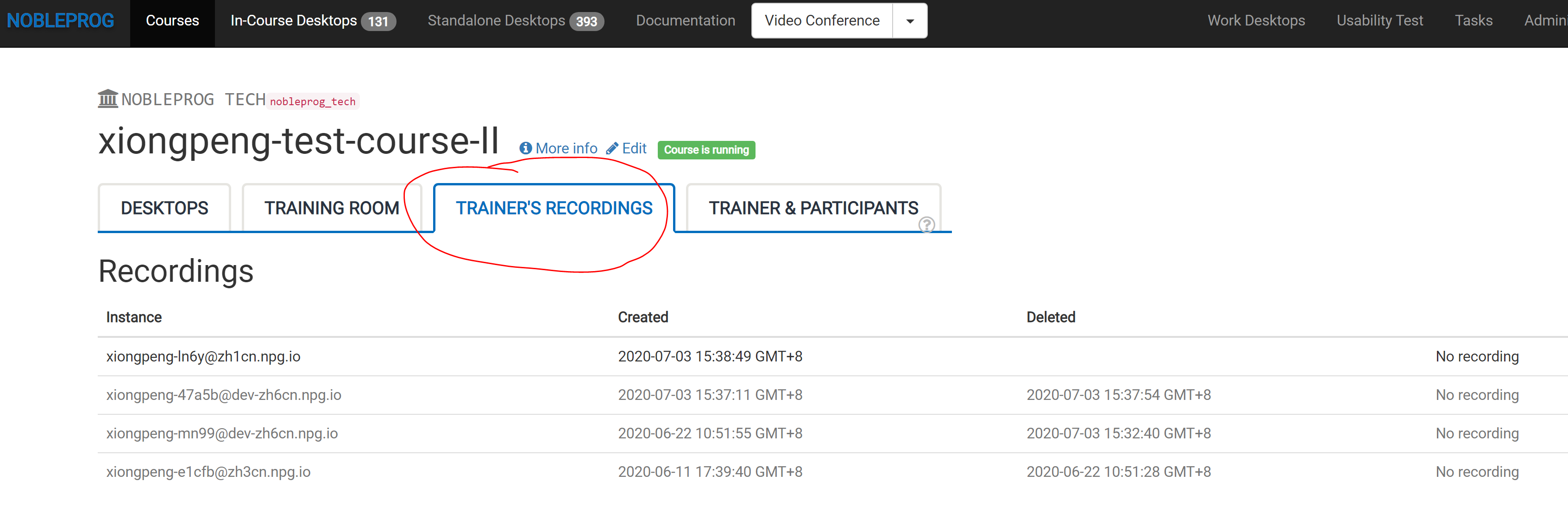
You can find your saved sessions under "Trainer's Recordings" within your course.
Check out the automatic session recordings of the Trainer's Desktop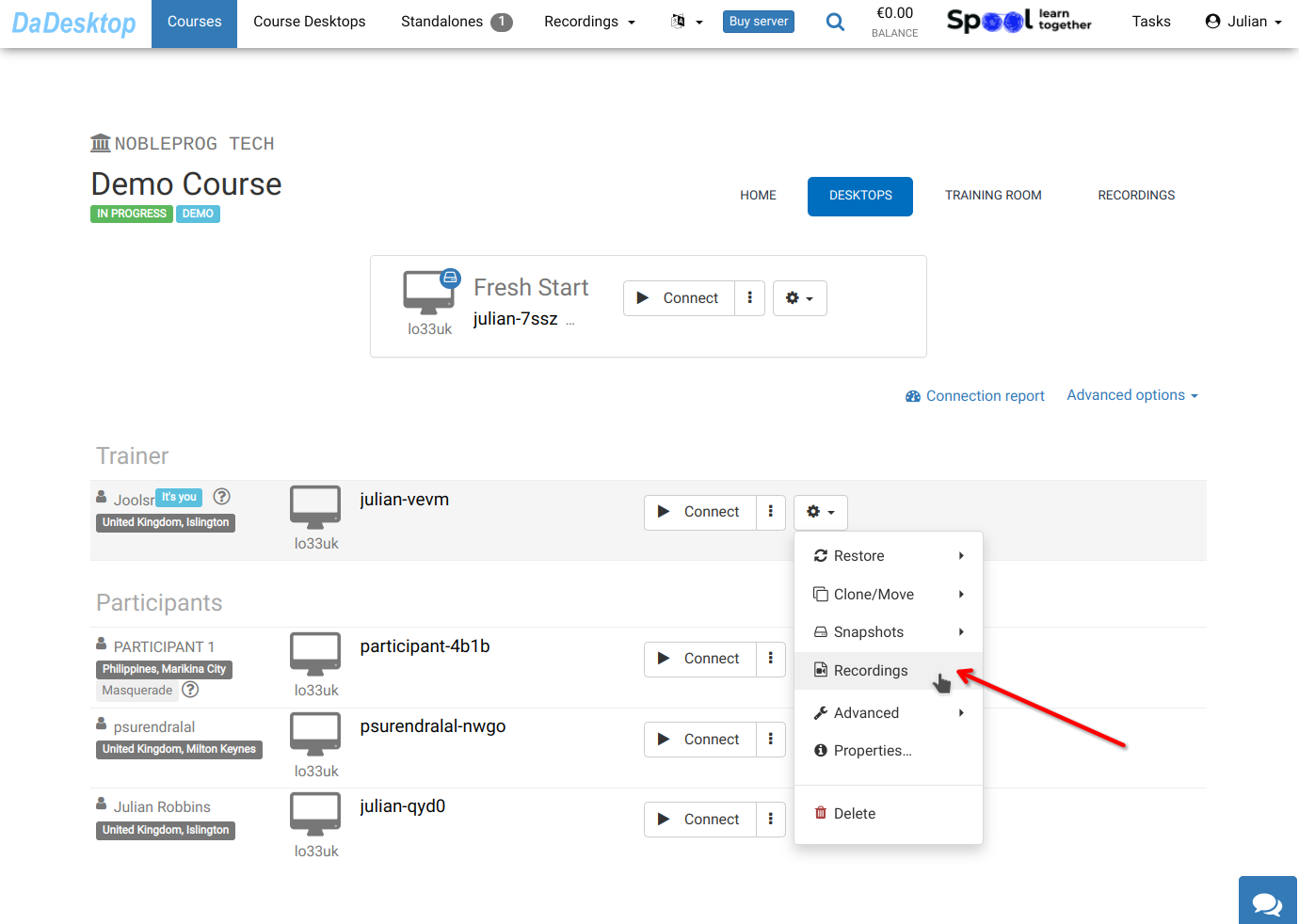
Head over to "Recordings" to see your sessions. You can review them there and remove any that are no longer needed.