
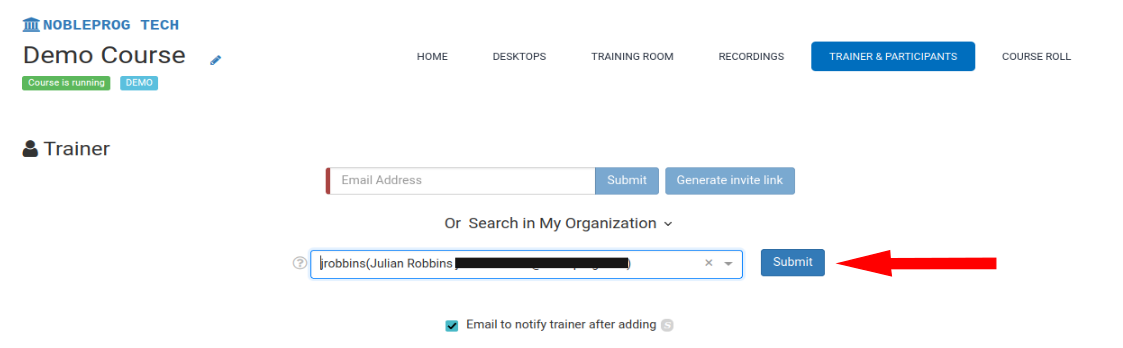
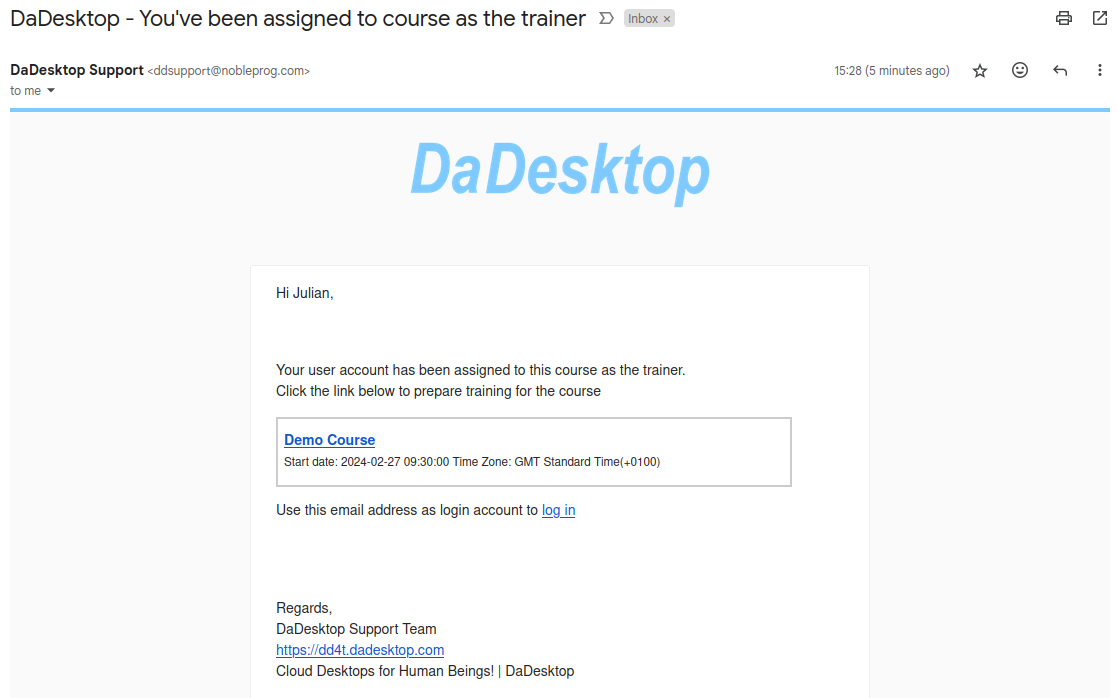
Adding Trainers
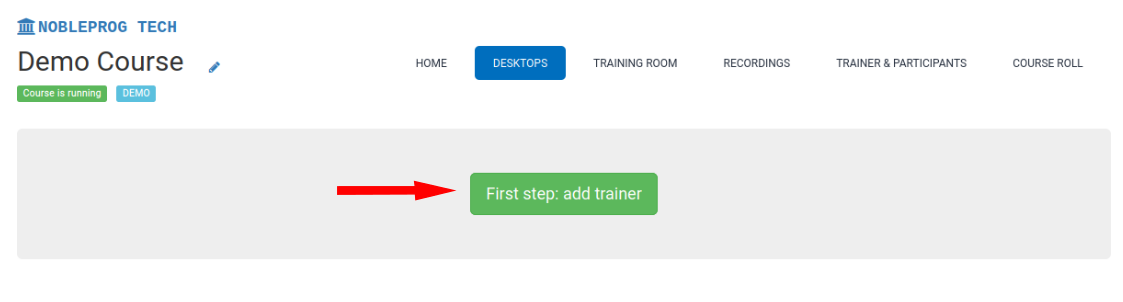
Navigate to the Desktops tab
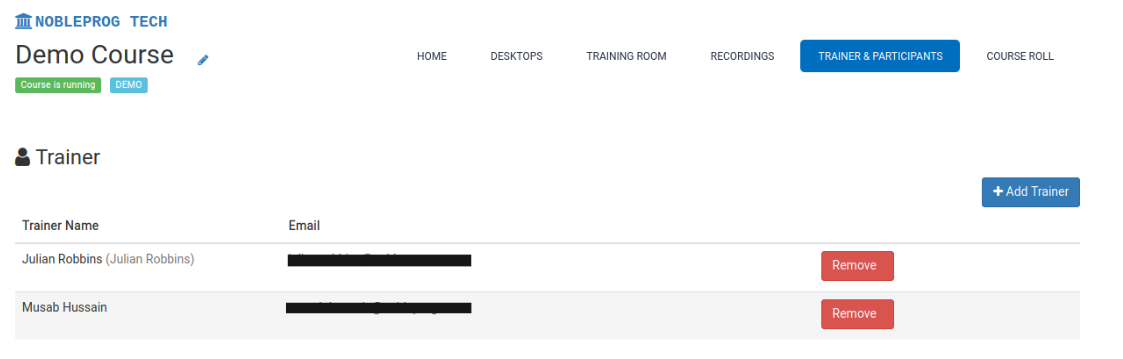
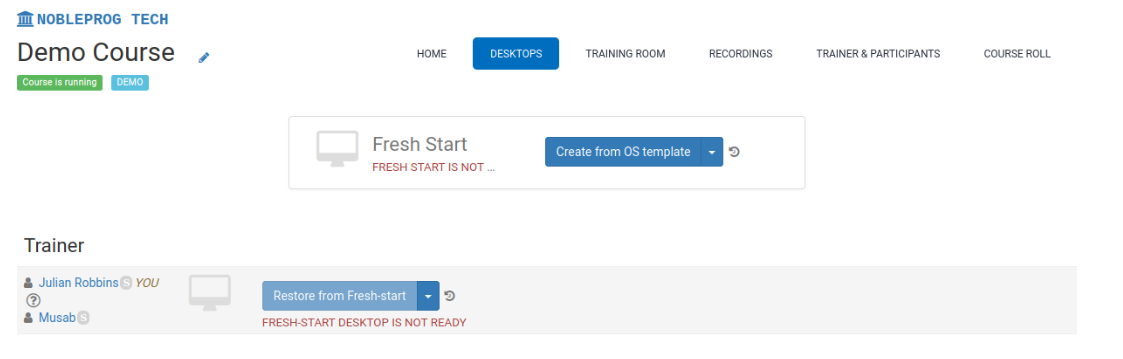
Please note: In a multi-trainer setup, all trainers have the same permissions and abilities to configure and manage the course. Once the course is live, each trainer has equal control over the session.