Training Room Recording (Trainer's Desktop)
Trainers have the ability to record the entire Training Room, including all participant desktops. This comes in handy for reviewing course material later or revisiting any problems students encountered during the class. It supports troubleshooting for both personal notes and providing clear information to development staff.
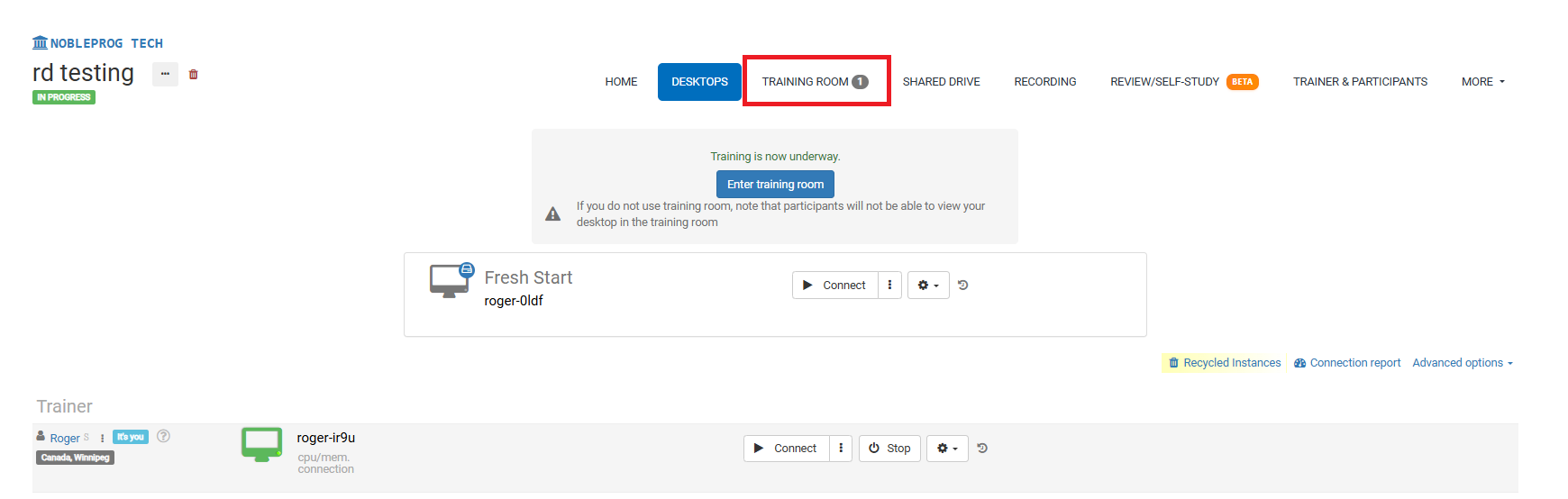
Training Room View:
Recording Button
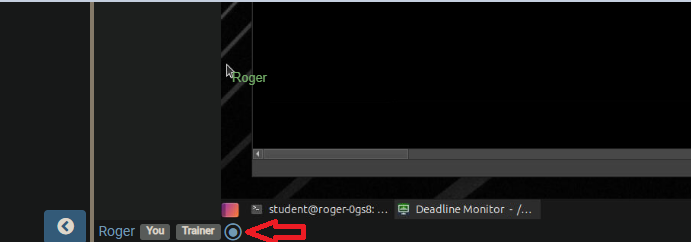
When you're inside the Training Room, look for the recording button at the bottom of the interface. The screenshot below shows it positioned next to your name and any user tags.
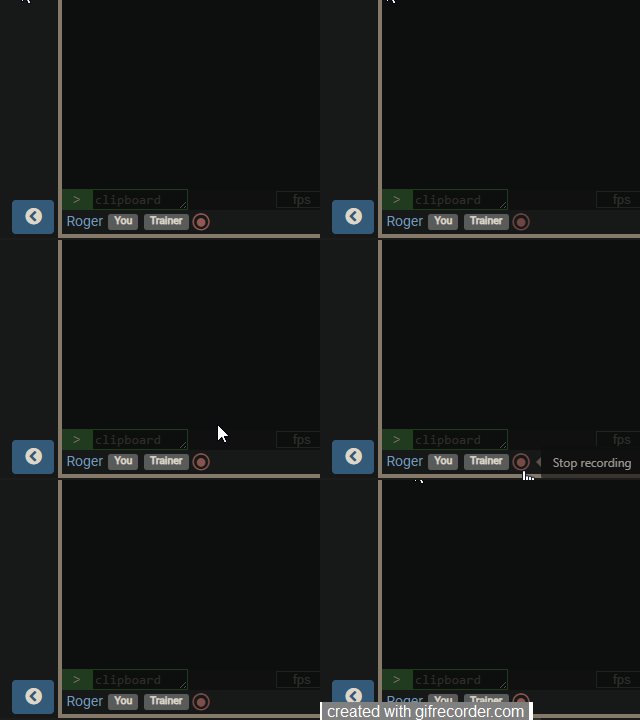
After you click the button, recording begins, and the button will flash red slowly. To end the recording, simply click the button once more.
Accessing Recordings
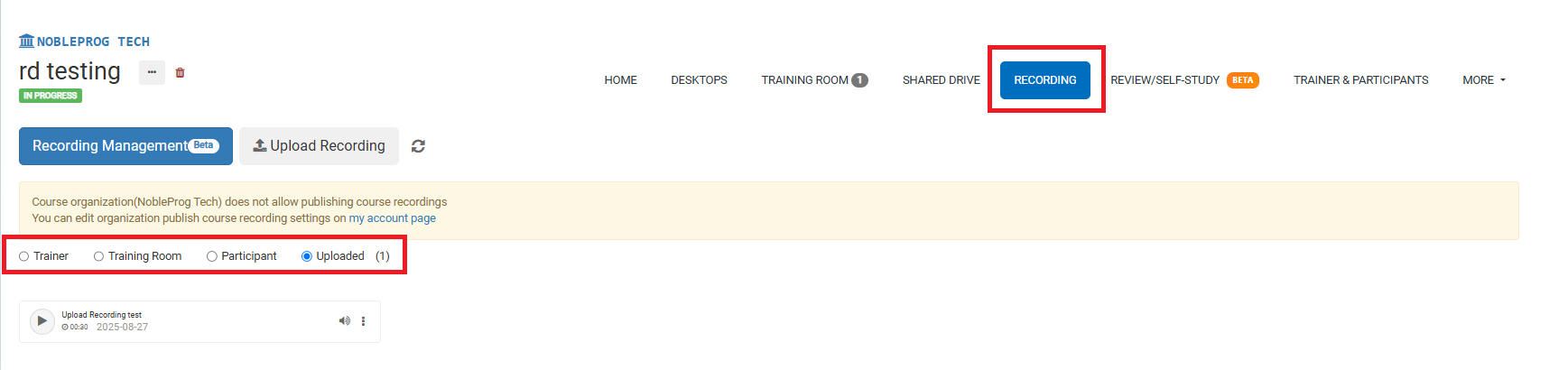
On the course page, you'll find all your recordings under the `Recordings` tab. Clicking it lets you choose which type of recording you want to review.